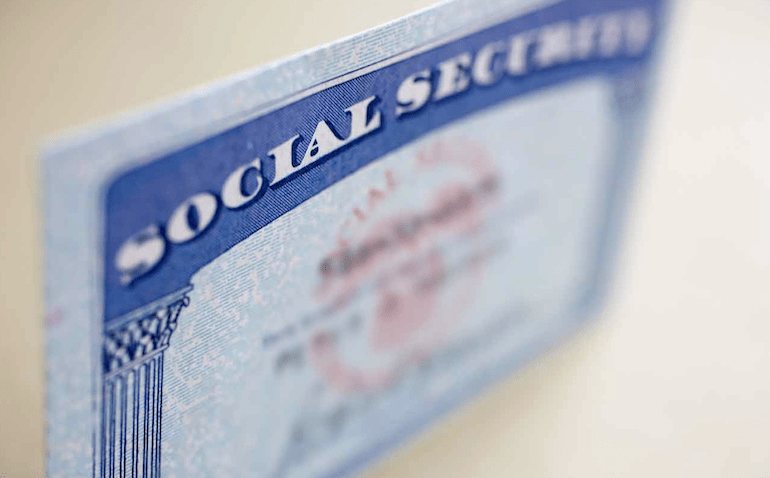
Have you recently changed your legal name for any reason, like marriage or divorce?
If yes, then you should notify the Social Security Administration so they can update their records and give you an updated card. Otherwise, your wages may no longer be assigned your earnings record or you may experience delays processing your income tax refunds in the future.
You won’t pay a dime to change your name on your social security card. However, you can’t apply for a name change online. Let’s take a detailed look at the process of changing the name on your social security card.
The proof of name change documents you will need
When you visit the nearest Social Security office for a name change, you’ll be required to provide some recently issued documentation that proves your name change. The Social Security Administration (SSA) can accept any of the following documents:
- Court Order
- Marriage Certificate
- Divorce Decree
- Certificate of Naturalization
Sometimes, the proof of name change documentation you submit to the SSA may not have enough information to ascertain your identity in the SSA records. In that case, you’ll have to submit additional documentation to help prove your identity. This also applies if you changed your name two years ago.
So let’s look at the additional identity documents you can submit.
Acceptable proof of identity documents
To begin with, be aware that the SSA will accept documents in your previous name, as shown in its records, even if they are expired. Moreover, if you don’t have any documentation in your previous name, the SSA will accept the current documentation bearing your new name, provided it can confirm your identity in its records.
That said, here are the proofs of identity documents accepted by the SSA:
- State-issued identification card
- U.S. passport
- U.S. driver’s license
Note that an expired document or photocopies won’t be accepted. What if you don’t have any of these documents?
Then you can provide either your original School I.D. card, Employee I.D. card, U.S. military I.D. card, or Health insurance card.
Submitting Your Name Change Application
Once you’ve filled out the social security card replacement Form SS-5 and have the necessary documentation in order, you can either mail the application or hand deliver it to the nearest social security office.
How Long Does it Take for Your Name Change to Take Effect?
It largely depends on the number of name change applications the SSA has to process. Nonetheless, you should expect to get your new card, together with the supporting documentation you provided, at your mailing address in two to six weeks.
Conclusion
When you change your name legally for any reason, you should apply for a replacement social security card with your new name. To obtain an updated card, you have to provide some documentation to prove your identity and new name. You also have to fill out form SS-5 for a replacement card. Then you have to submit your application and the support documents to your local Social Security office. This service is free of charge.